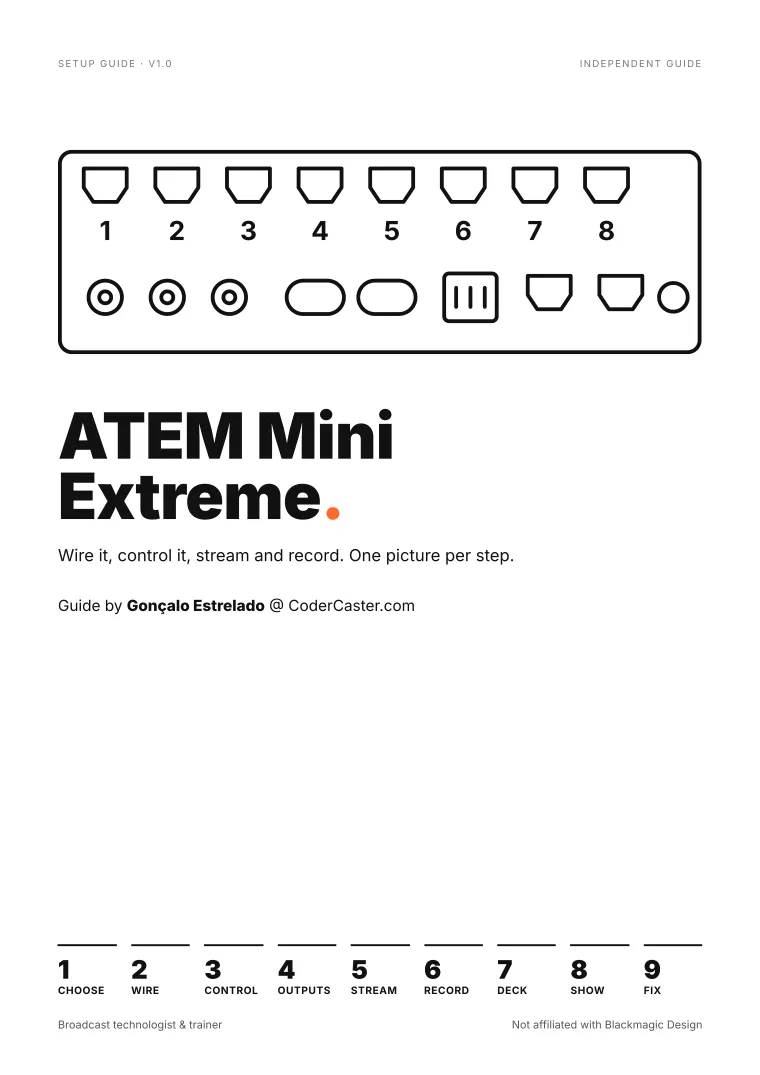
ATEM Mini Extreme
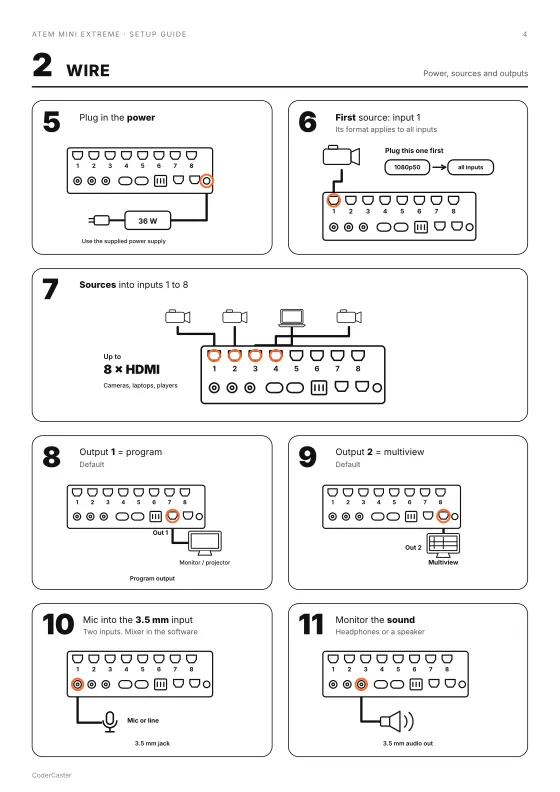
Wire it, control it, stream and record. From the first HDMI source to a full show with HyperDecks rolling.
- 1Choose
- 2Wire
- 3Control
- 4Outputs
- 5Stream
- 6Record
- 7Deck
- 8Show
- 9Fix
Setup guides for the gear in your control room. Almost no words, clear line drawings and a page of fixes for when something goes wrong. Open it, follow the pictures, go on air.
Wire it, control it, stream and record. From the first HDMI source to a full show with HyperDecks rolling.
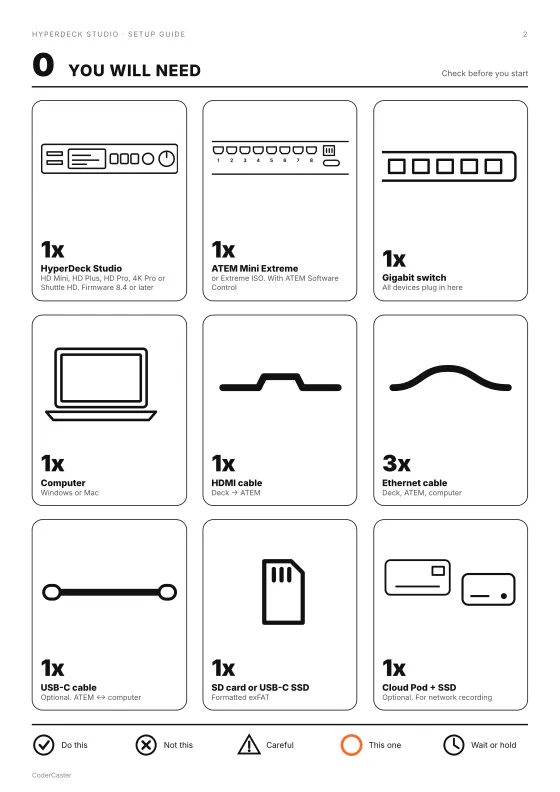
Prepare the media, wire the rig, roll clips from an ATEM and record to a Cloud Pod or straight to a PC.
Choose the right model, install it, connect it and use it with DaVinci Resolve and CGRoll.
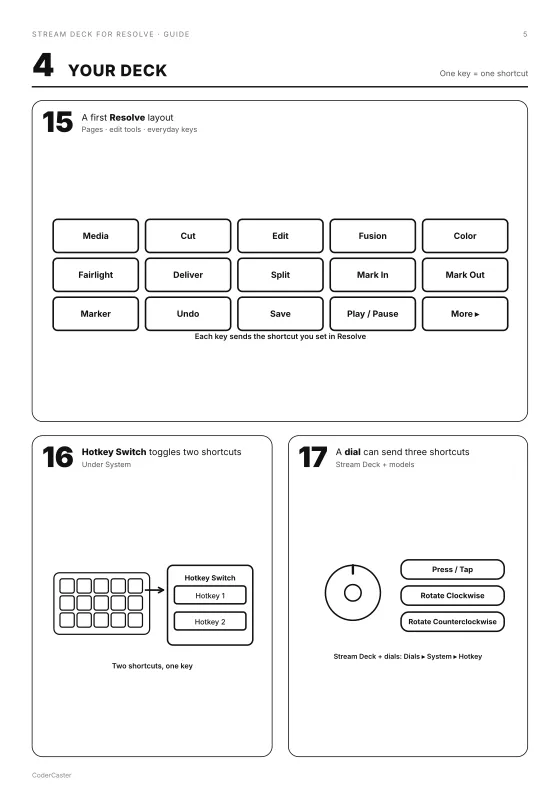
Put your editing shortcuts on real keys. Set up, build a deck and link it to Resolve.
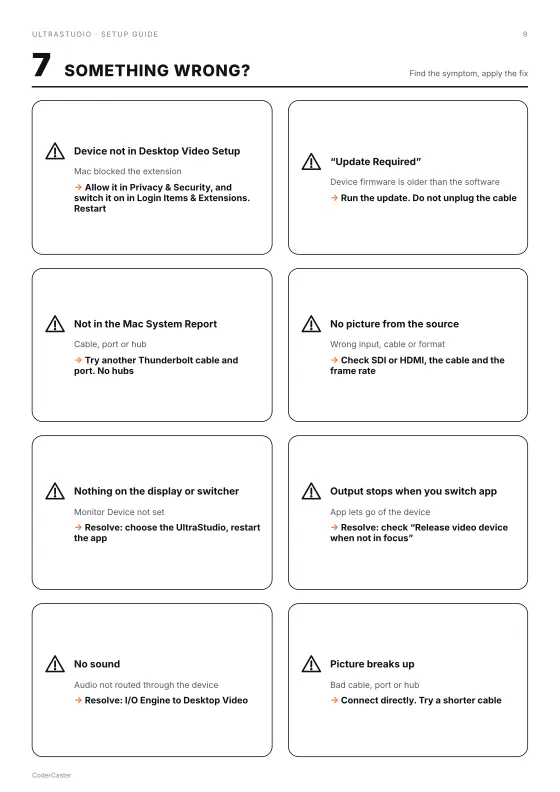
Every guide uses the same five symbols, the same numbered steps and the same order: what you need, what to do, how to check it, how to fix it.
Written by Gonçalo Estrelado: 20+ years in video, Apple, Adobe and DaVinci Resolve certified trainer.
A PDF you download straight after checkout, laid out on A4 so it works on a tablet in the gallery or printed and taped to the rack.
Gumroad handles the payment, the invoice and the download. The product opens over this page and the payment finishes on Gumroad's checkout.
Yes. It costs nothing, and it comes through Gumroad like the others so the download arrives by email.
No. They are independent guides written by a working trainer. They are not affiliated with or endorsed by Blackmagic Design or Elgato, so keep the manufacturer's manual for the full reference.
No. Each guide starts with a list of what you need, goes one picture per step and ends with a list of fixes.
Write to support@codercaster.com and you reach the person who wrote the guide.
HyperRoll controls up to 16 HyperDecks from one window. CGRoll puts data-driven graphics on air over SDI, NDI or OBS. Both have a full-featured 7-day trial.